

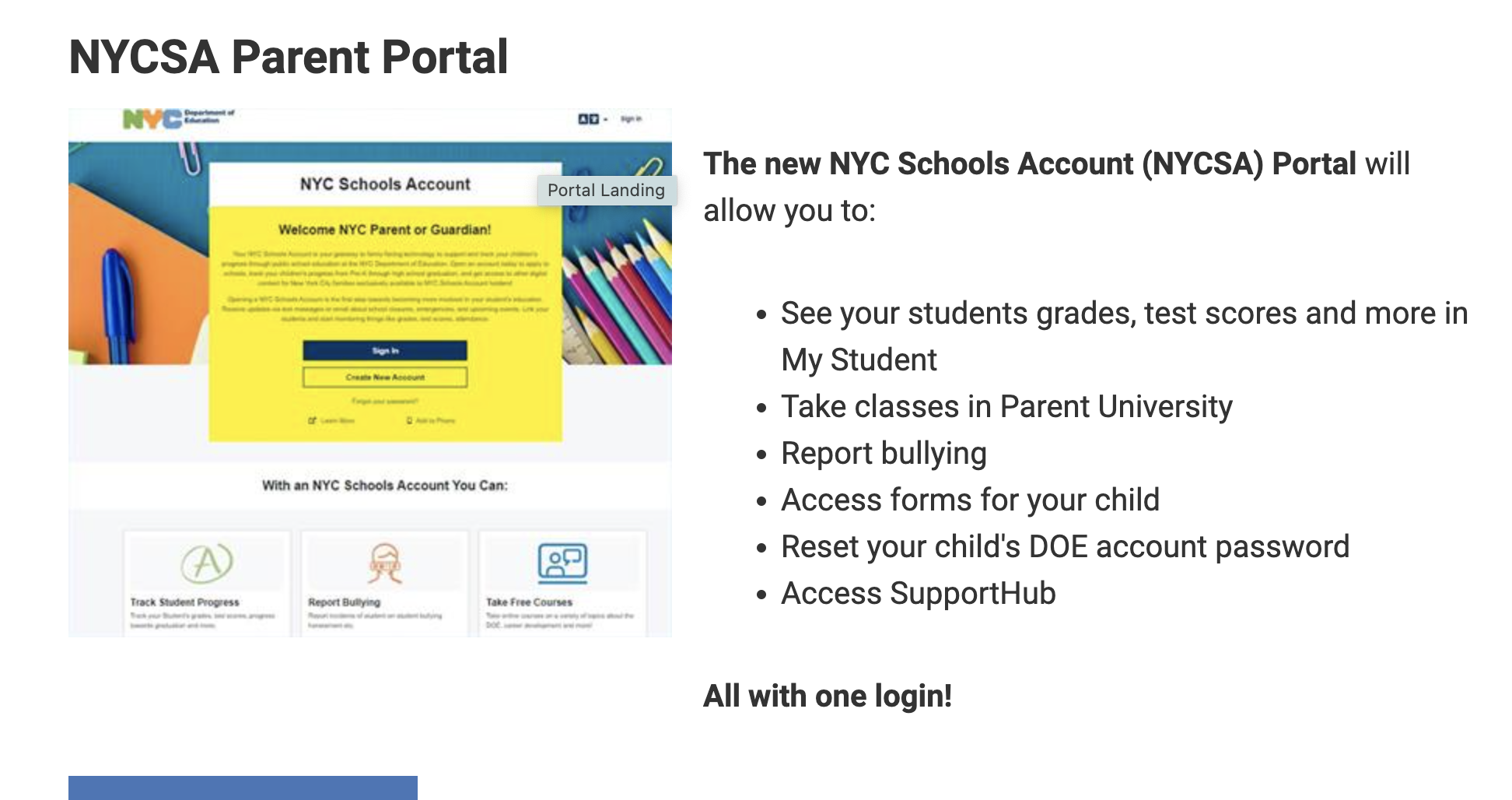
Did you know that you can track your child’s education on any computer, phone, or tablet?
You can sign up for an account by entering a few basic details. This will allow you to begin receiving notifications from the DOE. It only takes five minutes, and it is the first step in getting a full account.
We invite you to register for an NYC Schools Account, which provides you a new way of accessing key information about your student’s progress.
With your NYC Schools Account, you will be able to view your student’s information in one of ten languages on a computer, phone or tablet.You can register for your account from any computer or internet-connected device by following these steps:
Visit https://mystudent.nyc and select the “Create Account” link found on the login page.
- Enter your name, email address, and cell phone number to begin receiving notifications. You can create a basic account without an account creation code, but to link your student to the account, you will need the code.
- Select “Validate Email” after you have entered your contact information. Keep this page open.
- Open your email to get the validation number. Enter the number into the “Validate Email” page.
- Proceed to create your password.
- Proceed to create your account security questions.
- Enter the unique Account Creation Code, which is specific to you and your student:
- Account Creation Code: [Code]
- Select “Create Account”.
If you have more than one student attending an NYC public school, you will receive one letter containing an Account Creation Code for each student. You will only need to enter the student ID and Account Creation Code for one of your students in step 7 above to create your account. Once you create an account, you can add your remaining students by entering their student IDs and Account Creation Codes on the “Manage My Account” page.
Each Account Creation Code is unique to you and your student and should not be shared with others. If you are not the parent named in this letter, contact your student’s school or call 311 for assistance on accessing your student’s records.
We hope that your NYC Schools Account provides a valuable way for you to participate in your student’s education.
We invite you to visit https://mystudent.nyc for more information.
If you have questions about your account, contact your student’s school or call 311. If you need assistance creating your account in a language other than English, contact your school’s language access coordinator or parent coordinator.